RESOLUTION
Pick the right dpi
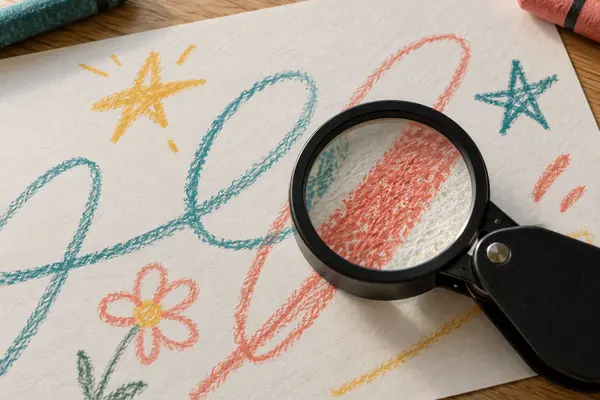
300 dpi suits most pages. Use 400 to 600 only if you plan to print the picture bigger.
Try the dpi pickerDRAWINGS, DPI AND FILES
A good scan of a drawing needs the right setting, not the highest one.
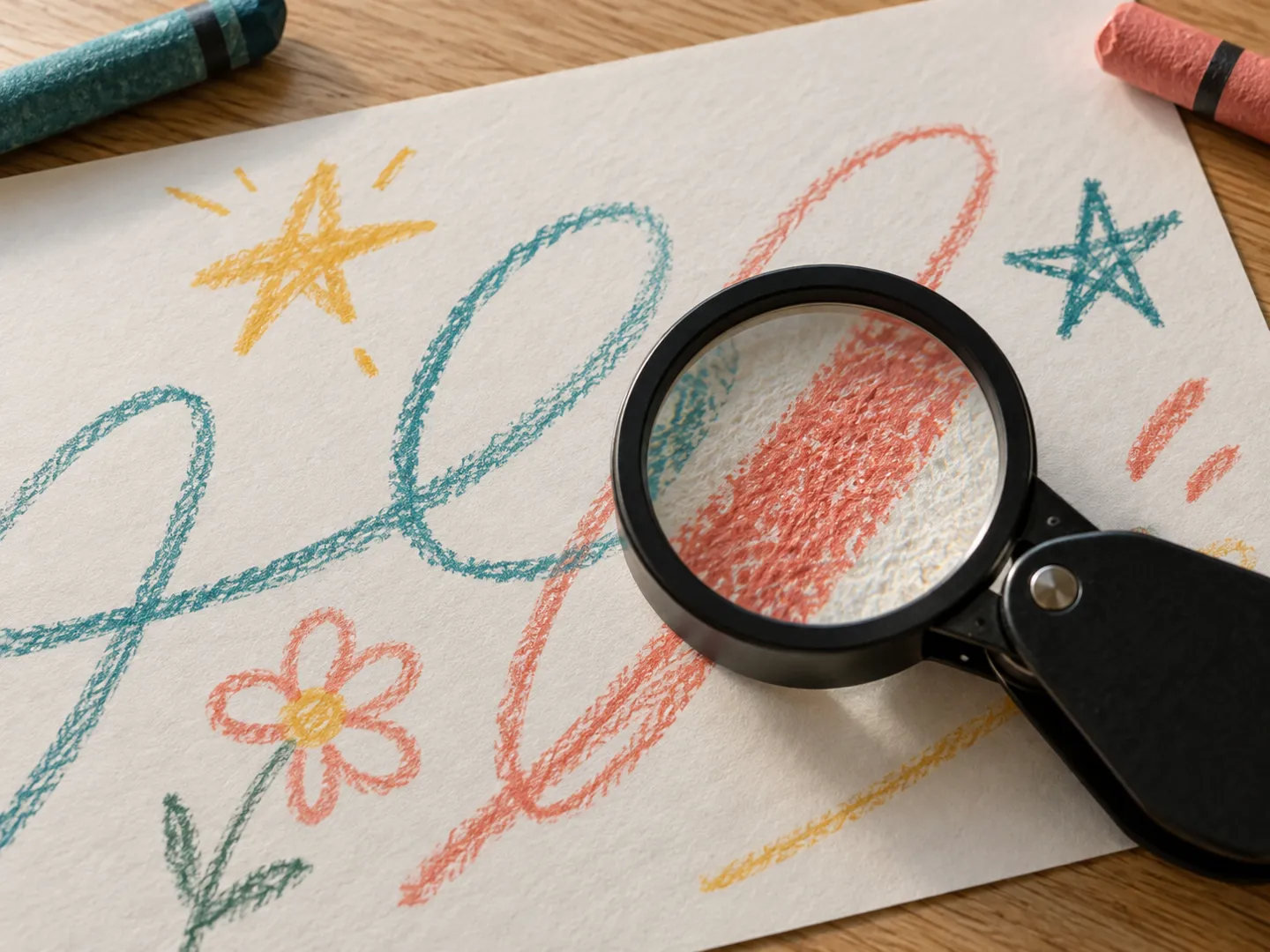
Too low and the pencil lines blur. Too high and the files balloon without adding anything you can see. Here is what library and archive guidance says about resolution, formats and keeping copies safe.
Plain English, with the sources linked.
300 DPI for most pages
THE SHORT ANSWER
For most drawings, that is the Library of Congress
starting point. Go higher only with a reason.
RESOLUTION
300 dpi suits most pages. Use 400 to 600 only if you plan to print the picture bigger.
Try the dpi pickerFILE FORMAT
Archives prefer uncompressed or lossless files such as TIFF or PNG. Make a JPEG copy for sharing.
Which formats?BACKUPS
At least two copies in different places, moved to new storage every five to seven years.
Before you scanA QUICK DPI PICKER
Pick the job and see the setting the Library of Congress personal archiving tips suggest. Dpi (dots per inch) and ppi (pixels per inch) are used interchangeably in this guidance.
These are starting points for everyday home scanning, not archive standards. A scanner's stated resolution can be higher than the detail it really captures.
TWO NUMBERS WORTH KNOWING
Resolution is a trade-off between detail
and the space and time it costs.
9× the disk space
Three times the resolution
Pixels are counted across and down, so tripling the dpi gives nine times the pixels. Our own rough sum: an A4 page at 300 dpi is about 8.7 million pixels, around 26 MB uncompressed in colour; at 600 dpi it is about 35 million pixels, roughly 104 MB.
FILE SIZE · LIBRARY OF CONGRESS BLOG
~50% on some scanners
Real detail captured
An imaging expert quoted on the Library's blog warned that common scanners may be only 50% efficient, so the number on the box can overstate the detail you get. He doubted consumer scanners improve much above 1200 ppi.
SCANNER LIMITS · LIBRARY OF CONGRESS BLOG
Higher settings also mean slower scans and more storage for every backup. One photographer quoted on the same blog noted that higher resolutions mostly gave him more dust to clean up later.
BEFORE YOU SCAN
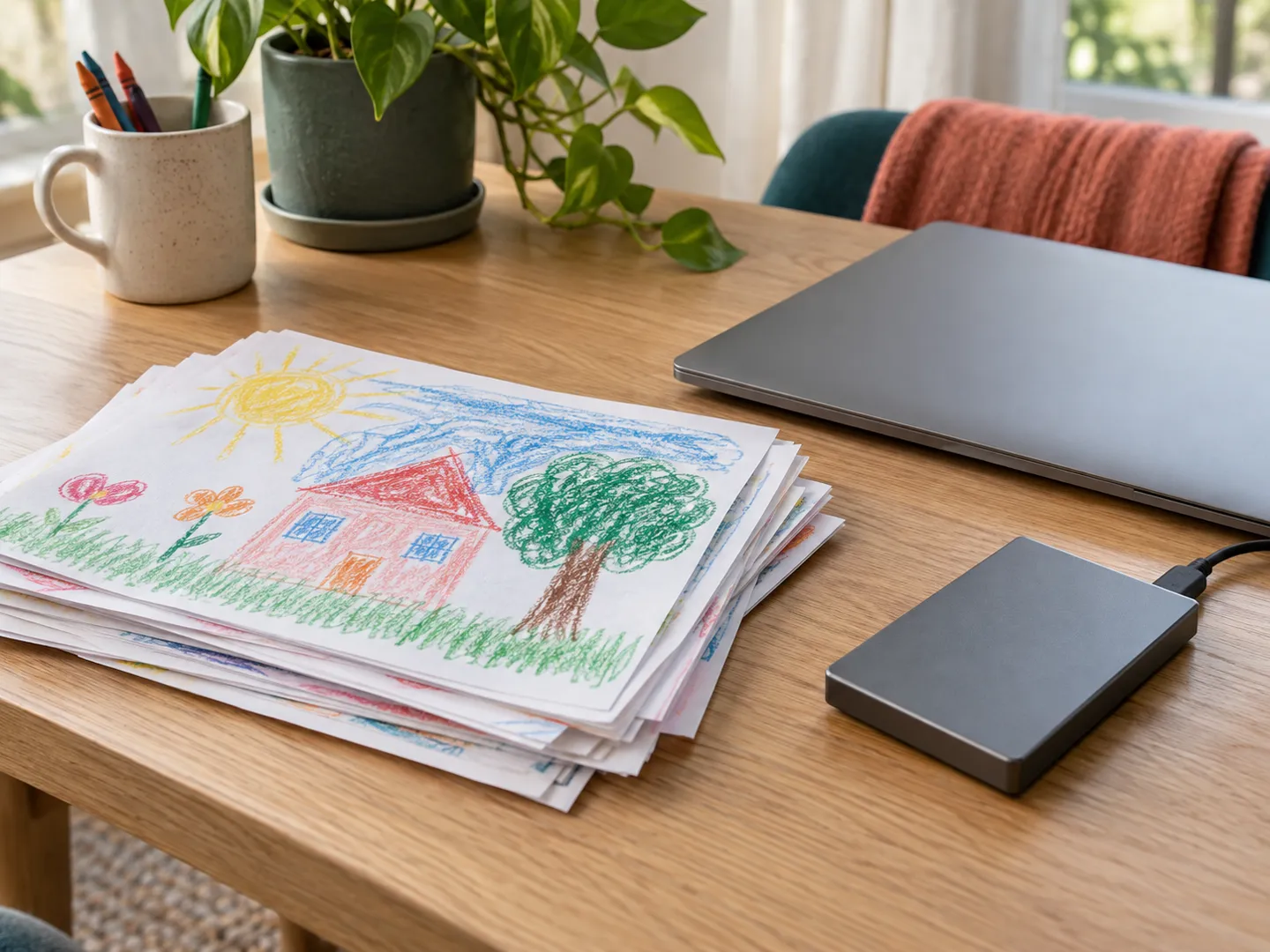
Wipe the scanner glass so dust, smudges and specks do not end up in every scan. Brush loose crumbs of crayon or rubber off the drawing too.
Library guidance says to remove paper clips, staples and tape before scanning, so the page lies flat on the glass.
Save the best scan as your master file, then make smaller JPEG copies to send to family or post online.
Keep one copy on your computer and another on a separate drive or online storage, then diary a check in five years.
SCAN FACTS
The Library of Congress says documents should generally be scanned at 300 dpi, and suggests the same for ordinary 4 x 6 and 5 x 7 inch photos.
For pictures you plan to enlarge to 8 x 10 inches or bigger, it suggests 400 or 600 dpi, and notes that anything above 600 may be unnecessary.
The Library's preferred formats for digital photographs include TIFF, JPEG 2000, PNG and JPEG. It prefers uncompressed files and the highest bit depth available, 16 bits per channel where possible.
The Northeast Document Conservation Center says light damage is cumulative and irreversible, and that ultraviolet weakens, bleaches and yellows paper. A scan keeps the colours as they are today.
The Library recommends at least two copies of your scans in different places, and moving them to current storage about every five to seven years.
QUICK QUESTIONS
Short answers to the questions people ask most.
For a sheet you simply want to keep, the Library of Congress says documents should generally be scanned at 300 dpi. If you want to print a small picture at 8 x 10 inches or larger, it suggests 400 or 600 dpi.
Not always. The Library notes that anything above 600 dpi may be unnecessary for prints and documents. File size grows fast: one expert quoted on its blog says a scan at three times the resolution takes up nine times as much disk space.
The Library of Congress lists TIFF, JPEG 2000, PNG and JPEG among its preferred formats for digital photographs, with uncompressed files preferred and lossless compression acceptable. Its personal archiving tips say a medium-quality JPEG is fine for everyday colour scans you do not plan to reprint.
The Library recommends at least two copies, stored in different places as far apart as practical, and moving your scans to current storage about every five to seven years.
The Federal Agencies Digital Guidelines Initiative publishes technical guidelines for digitising cultural heritage. Its star system rates images from 4-star, the highest quality, down to 1-star. The third edition was published on 10 May 2023.
Sources
A NAME WORTH KEEPING
doodlescanner.com is part of the DoodleSale portfolio. It isn't in an auction right now, but you can ask about leasing it.